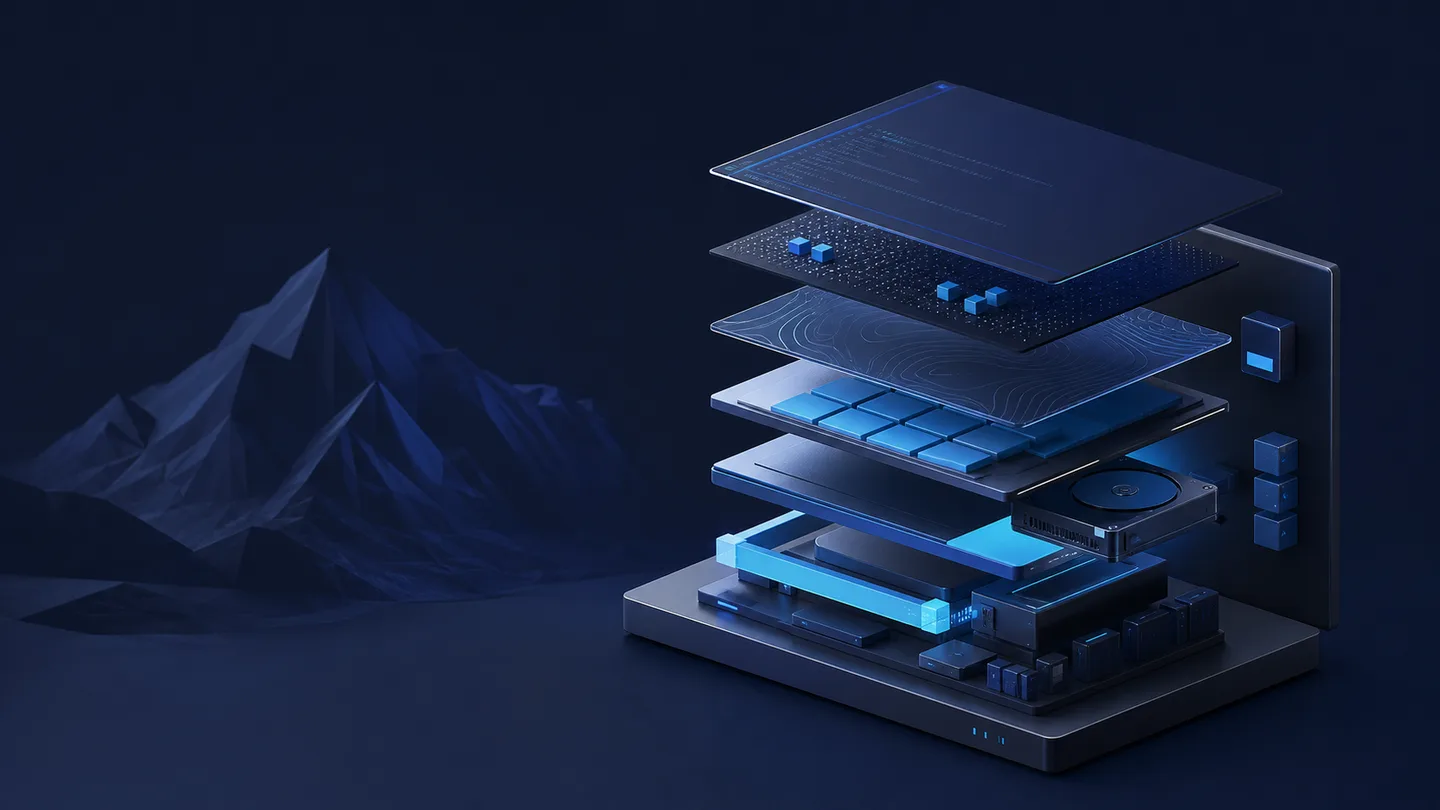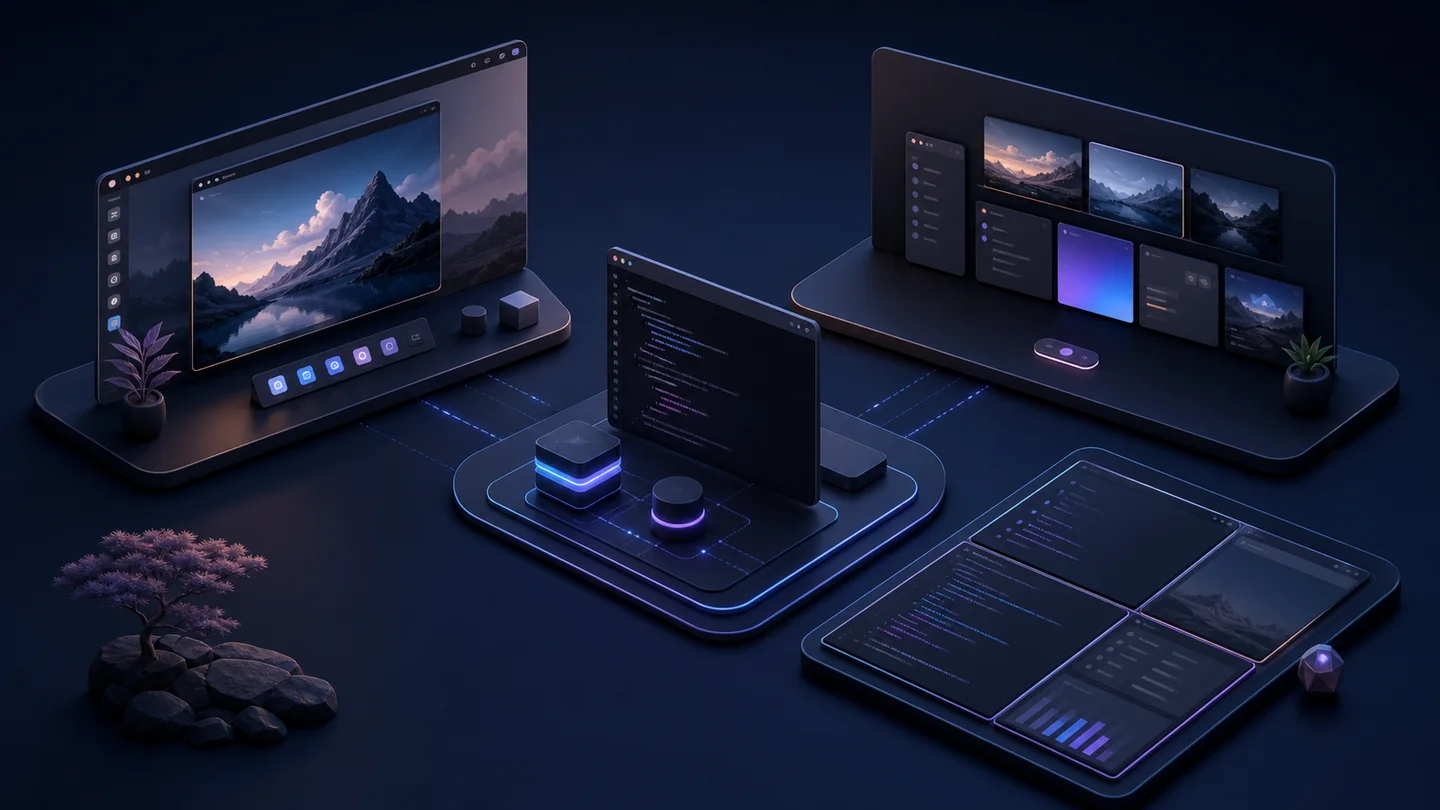
这几年桌面折腾的路线是 Debian KDE → Arch KDE → 现在的 Arch + Hyprland。每换一次桌面,重装的其实是"外壳",终端、编辑器、字体、Shell 这些跨桌面的东西基本没动。所以这篇按这个思路组织:
- 通用配置:终端 Kitty、编辑器 VS Code、字体、Shell(fish / zsh + starship)——换哪个桌面都能直接用。
- 分桌面配置:KDE / GNOME / Hyprland 各一节,只记各自桌面特有的部分。
当前主力是 Hyprland,写得最全;KDE 是早期记录(系统里已经没装了,作对比留存);GNOME 暂时空着,等真装了有实测配置再补。全链路统一 Catppuccin Mocha 配色 + JetBrainsMono Nerd Font。
通用配置(三套桌面共用)
字体
整套只用三个字体族:
- JetBrainsMono Nerd Font —— 等宽正文 + 图标(终端、编辑器、状态栏全用它)
- Noto Sans CJK SC —— 中文回退
- Inter —— 桌面 UI 文本(启动器、通知、锁屏等)
sudo pacman -S ttf-jetbrains-mono-nerd noto-fonts-cjk noto-fonts-emoji inter-font
Kitty 终端
主力终端,配置重点在字体回退和透明度。~/.config/kitty/kitty.conf:
include themes/frappe.conf

window_padding_width 8
hide_window_decorations yes
background_opacity 0.90
confirm_os_window_close 0

font_family      JetBrainsMono Nerd Font
bold_font        JetBrainsMono Nerd Font Bold
italic_font      JetBrainsMono Nerd Font Italic
bold_italic_font JetBrainsMono Nerd Font Bold Italic
font_size 13.0

# CJK / 全角符号回退到 Noto Sans CJK SC
symbol_map U+4E00-U+9FFF,U+3400-U+4DBF,U+F900-U+FAFF Noto Sans CJK SC
symbol_map U+3000-U+303F,U+FF00-U+FFEF Noto Sans CJK SC

# 不强制 shell,默认跟随系统登录 shell;fish / zsh 都能用
cursor_shape beam
cursor_blink_interval 0
scrollback_lines 12000
copy_on_select clipboard
strip_trailing_spaces smart
detect_urls yes
要点:symbol_map 把中日韩汉字和全角标点显式指到 Noto Sans CJK SC,避免中文豆腐块或宽度错乱;默认 shell 直接设成 fish;90% 不透明配合合成器模糊很干净。
VS Code
现在用官方 VS Code(不再是 Code - OSS),~/.config/Code/User/settings.json:
{
  "editor.fontFamily": "'JetBrainsMono Nerd Font', 'JetBrains Mono', 'Noto Sans Mono CJK SC', monospace",
  "editor.fontSize": 15,
  "editor.fontLigatures": true,
  "editor.lineHeight": 1.55,
  "editor.letterSpacing": 0.3,

  "editor.cursorSmoothCaretAnimation": "on",
  "editor.cursorBlinking": "smooth",
  "editor.smoothScrolling": true,
  "editor.minimap.enabled": false,
  "editor.bracketPairColorization.enabled": true,
  "editor.stickyScroll.enabled": true,
  "editor.formatOnSave": true,

  "workbench.colorTheme": "Catppuccin Mocha",
  "workbench.iconTheme": "catppuccin-mocha",
  "window.titleBarStyle": "custom",
  "window.commandCenter": true,

  "terminal.integrated.fontFamily": "'JetBrainsMono Nerd Font', 'Noto Sans Mono CJK SC', monospace",
  "terminal.integrated.fontSize": 13,

  "files.autoSave": "afterDelay",
  "files.trimTrailingWhitespace": true,
  "files.insertFinalNewline": true,
  "telemetry.telemetryLevel": "off",

  "background.enabled": true,
  "background.useFront": false,
  "background.editor": {
    "style": { "background-size": "cover", "opacity": 0.12 },
    "images": ["file://${env:HOME}/.local/share/hypr-themes/wallpapers/mocha-space.jpg"]
  }
}
用 shalldie.background 插件把壁纸以 12% 透明度垫在编辑区背景,和桌面壁纸同一张;标题栏走 custom 才能吃 Catppuccin 主题色。安装包的 --with-vscode 只导入 settings.json、keybindings.json 和扩展清单,不包含 globalStorage、workspaceStorage、历史记录、账号状态或聊天记录。
在用的扩展(精简过):
| 扩展 | 说明 |
|---|---|
anthropic.claude-code |
AI 编程助手 |
catppuccin.catppuccin-vsc / -icons |
Catppuccin 主题 + 图标 |
shalldie.background |
编辑区背景图 |
ms-python.python / vscode-pylance / debugpy |
Python 全家桶 |
ms-python.vscode-python-envs |
Python 环境管理 |
ms-azuretools.vscode-containers |
容器 / Docker |
code --install-extension catppuccin.catppuccin-vsc \
     --install-extension catppuccin.catppuccin-vsc-icons \
     --install-extension shalldie.background \
     --install-extension ms-python.python \
     --install-extension ms-azuretools.vscode-containers
Shell:fish / zsh + starship
这台机器当前用 fish,另一台电脑如果是 zsh,不需要为了这套主题强行切换 Shell;Kitty 示例也不再写死 /usr/bin/fish。
Fish 初始化:
set fish_greeting ""            # 去掉默认欢迎语
starship init fish | source     # Starship 提示符
fastfetch                       # 启动显示系统信息

alias ll 'ls -la'
alias grep 'grep --color=auto'

# 通过 bass 复用 nvm 的 bash 脚本
function nvm
    bass source ~/.nvm/nvm.sh ';' nvm $argv
end
Zsh 初始化:
eval "$(starship init zsh)"
source "$HOME/.nvm/nvm.sh"
提示符交给 starship(~/.config/starship.toml),配了 git、Python/Node/Rust/Go 版本、命令耗时(>2s 才显示),一行紧凑布局:
[character]
success_symbol = "[❯](bold green)"
error_symbol   = "[❯](bold red)"

[directory]
style = "bold cyan"
truncation_length = 3

[git_branch]
symbol = " "
style = "bold purple"

[cmd_duration]
min_time = 2000
style = "bold yellow"
一、KDE Plasma(早期记录)
这是从 Debian / Arch KDE 时期留下的配置,系统里现在已经换成 Hyprland。留在这作对比:KDE 的特点是大部分东西在"系统设置"里点,配置不落文本文件,换机器不好复现——这也是我后来转 Hyprland 的原因之一。
主题
系统设置 > 外观里统一成 Catppuccin:
- 全局主题:Catppuccin Mocha
- 应用程序风格:Breeze / Kvantum
- 窗口装饰:Breeze
- 图标:Papirus
- 光标:Breeze
窗口行为
系统设置 > 窗口管理 > 窗口行为:
- 焦点策略:点击聚焦(不跟随鼠标)
- 自动提升:关
- 延迟聚焦:0ms
虚拟桌面与快捷键
4 个虚拟桌面(开发 / 浏览器 / 通讯 / 其他),常用快捷键:
| 快捷键 | 功能 |
|---|---|
| Meta + Enter | 打开终端(Kitty) |
| Meta + E | 文件管理器 |
| Meta + D | 显示桌面 |
| Print Screen | 截图(Spectacle) |
任务栏组件:应用启动器 + 当前桌面窗口 + 系统托盘 + 时钟。
二、GNOME
待补。目前系统里没装 GNOME,等以后真装了、有实测配置(扩展、dconf、主题)再补这一节,不想凭记忆写没验证过的东西。
大致会覆盖:常用扩展(Dash to Dock / Blur my Shell 等)、dconf 关键项、Catppuccin GTK 主题、字体缩放。
三、Hyprland(当前主力)
Hyprland 是现在的桌面,Wayland 平铺合成器,一切皆配置文件。配置在 ~/.config/hypr/hyprland.conf。
显示器与环境变量
monitor = , preferred, auto, 1.5

env = XMODIFIERS, @im=fcitx
env = GTK_IM_MODULE, fcitx
env = QT_IM_MODULE, fcitx
env = XCURSOR_THEME, Adwaita
env = XCURSOR_SIZE, 24
env = HYPRCURSOR_THEME, Adwaita
env = HYPRCURSOR_SIZE, 24
env = ELECTRON_OZONE_PLATFORM_HINT, wayland
monitor 最后的 1.5 是缩放。1.5 倍下 XWayland 应用容易被二次放大糊掉,所以另设 xwayland { force_zero_scaling = true },让应用自己处理 DPI。
开机启动项
exec-once = waybar
exec-once = hypridle
exec-once = mako
exec-once = fcitx5 -d
exec-once = awww-daemon && sleep 1 && awww img ~/Pictures/Wallpapers/space.jpg
exec-once = ~/.config/nwg-dock/launch.sh
exec-once = wl-paste --type text  --watch cliphist store
exec-once = wl-paste --type image --watch cliphist store
exec-once = /usr/lib/polkit-gnome/polkit-gnome-authentication-agent-1
exec-once = flameshot
一个坑值得记:我用 ly 做登录管理器,它拉起 Hyprland 时不会触发完整图形会话链路,可能导致 xdg-desktop-portal 起不来、Flameshot 报"无法截图"。应先把 Wayland 环境灌进 dbus 和 systemd user session,让 portal 按需自动激活:
exec-once = dbus-update-activation-environment --systemd WAYLAND_DISPLAY XDG_CURRENT_DESKTOP XDG_SESSION_TYPE HYPRLAND_INSTANCE_SIGNATURE
exec-once = systemctl --user import-environment WAYLAND_DISPLAY XDG_CURRENT_DESKTOP XDG_SESSION_TYPE HYPRLAND_INSTANCE_SIGNATURE
如果 ly 会话中 Flameshot/屏幕共享仍无法唤起 portal,再把下面这行作为排障措施,而不是所有系统都默认照抄:
# exec-once = systemctl --user start --job-mode=ignore-dependencies xdg-desktop-portal-hyprland.service xdg-desktop-portal.service
外观:圆角、模糊、阴影
general {
    gaps_in = 4
    gaps_out = 8
    border_size = 1
    col.active_border = rgba(cba6f7ff)     # Mauve 紫
    col.inactive_border = rgba(313244ff)
    layout = dwindle
}

decoration {
    rounding = 10
    blur {
        enabled = true
        size = 6
        passes = 2
        noise = 0.015
        contrast = 0.9
        brightness = 0.85
    }
    shadow {
        enabled = true
        range = 16
        render_power = 3
        color = rgba(00000066)
        offset = 0, 2
    }
}

animations {
    enabled = true
    bezier = easeOut, 0.16, 1, 0.3, 1
    animation = windows, 1, 3.5, easeOut, popin 85%
    animation = workspaces, 1, 3.5, easeOut, slide
    animation = fade, 1, 2.8, easeOut
    animation = border, 1, 4, easeOut
}
快捷键(vim 风格)
$mainMod = SUPER,聚焦/移动/缩放全走 hjkl:
| 快捷键 | 功能 |
|---|---|
Super + T / D / E / W / C |
终端 / 启动器 / 文件管理器 / 浏览器 / VS Code |
Super + Q |
关闭窗口 |
Super + F / Super+Shift+F |
全屏 / 切换浮动 |
Super + h/j/k/l |
切换焦点(左下上右) |
Super+Shift + h/j/k/l |
移动窗口 |
Super+Ctrl + h/j/k/l |
调整窗口大小 |
Super + 1..9 |
切到工作区 N |
Super+Shift + 1..5 |
把窗口丢到工作区 N |
Super + 反引号 |
呼出/收起 scratchpad |
Super+Shift + S |
Flameshot 区域截图 |
Super + V |
cliphist 剪贴板历史(fuzzel 选择) |
Super+Shift + X |
锁屏 |
Super + B |
重启 Waybar |
音量/亮度绑多媒体键,走 wpctl 和 brightnessctl。
Waybar 状态栏
一条顶栏,模块用 hyprland/workspaces、hyprland/window 这些原生模块。~/.config/waybar/config.jsonc:
{
"layer": "top",
"position": "top",
"height": 40,
"spacing": 6,
"modules-left": ["hyprland/workspaces", "hyprland/window"],
"modules-center": ["custom/weather", "clock"],
"modules-right": ["tray", "pulseaudio", "network", "custom/power"],
"hyprland/workspaces": { "format": "{id}", "on-click": "activate", "sort-by-number": true },
"hyprland/window": { "max-length": 48, "format": "{}" },
"clock": {
"format": " {:%m-%d %H:%M}",
"format-alt": " {:%H:%M}",
"tooltip-format": "<tt><small>{calendar}</small></tt>"
},
"custom/weather": {
"exec": "~/.local/bin/waybar-weather.sh",
"return-type": "json",
"interval": 1800,
"on-click": "xdg-open 'https://wttr.in/西安'"
},
"pulseaudio": {
"format": "{icon} {volume}%",
"format-muted": " mute",
"format-icons": { "headphone": "", "default": ["", "", ""] },
"on-click": "pavucontrol"
},
"network": {
"format-wifi": " {signalStrength}%",
"format-ethernet": " eth",
"format-disconnected": " offline"
},
"tray": { "icon-size": 16, "spacing": 8 },
"custom/power": { "format": "", "on-click": "~/.local/bin/power-menu.sh" }
}
样式 ~/.config/waybar/style.css(节选,完整版每个模块一个 Catppuccin 强调色):
* {
    font-family: "JetBrainsMono Nerd Font", "Inter", "Noto Sans CJK SC";
    font-size: 13px;
    min-height: 0;
}
window#waybar {
    background: rgba(30, 30, 46, 0.92);
    color: #cdd6f4;
    border-bottom: 2px solid #cba6f7;      /* Mauve 底边 */
}
#workspaces button.active { background: #cba6f7; color: #1e1e2e; font-weight: 600; }
#window { color: #a6e3a1; }   /* 绿 */
#clock  { color: #f5c2e7; }   /* Pink */
#network{ color: #94e2d5; }   /* Teal */
#custom-power { color: #f38ba8; }  /* Red */
改完 Super + B 重启一下生效。
Wayland 周边:启动器 / 通知 / Dock / 锁屏
一整套小工具,全 Catppuccin Mocha 配色。
fuzzel(启动器,Super + D)—— ~/.config/fuzzel/fuzzel.ini:
font=Inter:size=14
prompt="❯ "
lines=12
width=48

[colors]
background=1e1e2eee
text=cdd6f4ff
match=cba6f7ff
selection=313244ff
border=cba6f7ff

[border]
width=2
radius=12
fuzzel 除了当启动器还兼职 dmenu:cliphist 剪贴板历史和 nwg-dock 菜单都调它。
mako(通知)—— 按 urgency 分级换边框色,高优先级不自动消失:
font=Inter 11
width=360
border-radius=10
default-timeout=8000
anchor=top-right
background-color=#1e1e2eee
text-color=#cdd6f4
border-color=#cba6f7

[urgency=high]
border-color=#f38ba8
default-timeout=0
nwg-dock(底部 Dock)—— ~/.config/nwg-dock/launch.sh 走参数启动,Super+Shift+B 开关:
#!/bin/bash
nwg-dock -w 60 -i 48 -p bottom -c "fuzzel" -l 5
hyprlock + hypridle(锁屏与闲置)—— 闲置策略照 GNOME 手感来:
# hypridle.conf
listener { timeout = 600  on-timeout = loginctl lock-session }   # 10 min 锁屏
listener { timeout = 630  on-timeout = hyprctl dispatch dpms off
           on-resume  = hyprctl dispatch dpms on }               # 10.5 min 关屏
listener { timeout = 900  on-timeout = systemctl suspend }       # 15 min 休眠
hyprlock 是极简款:深蓝底 + 居中大时钟 + 一个输入框,无加载条、隐藏光标。壁纸交给 hyprpaper/awww,指到 ~/Pictures/Wallpapers/space.jpg。
一键装齐 Hyprland 全套
完整配置保存在 GitHub,使用引导脚本在线下载最新版并安装:
仓库内路径:
static/downloads/hyprland-theme-pack/
curl -fsSLO https://hb430.cn/static/downloads/install-hyprland-theme-pack.sh
chmod +x install-hyprland-theme-pack.sh
./install-hyprland-theme-pack.sh
也可以克隆仓库后安装,便于先审查全部配置:
git clone --depth 1 https://github.com/wildalley/blog.git
cd blog/static/downloads/hyprland-theme-pack
chmod +x install.sh uninstall.sh
./install.sh
指定初始主题:
./install.sh --theme ocean-glass
可选导入 VS Code 配置和扩展清单:
./install.sh --with-vscode
这个选项只导入 settings.json、keybindings.json 和扩展列表,不包含 workspaceStorage、globalStorage、历史记录、账号状态或聊天记录。
安装包包含五套主题:
| 主题 | 风格 |
|---|---|
| Monterey Frost | macOS 冰蓝玻璃 |
| Solarized Dark | 深青终端风 |
| Ocean Glass | 粉紫蓝毛玻璃 |
| Mocha Pills | Catppuccin 彩色胶囊 |
| Rosé Pine Moon | 低饱和玫瑰月夜 |
安装器会先备份受管路径到:
~/.local/state/hypr-theme-pack/backups/时间戳/
恢复最近一次安装前配置:
./uninstall.sh
恢复脚本会先移除安装器管理的目录,再还原安装前备份;安装后如果你又手动改了这些目录,恢复时这些改动会被丢弃。受管目录包括 ~/.config/hypr、~/.config/waybar、~/.config/fcitx5、~/.config/Code/User/settings.json、~/.config/Code/User/keybindings.json 等。
为了降低风险,安装器不会自动写 rEFInd/EFI,不自动修改 /etc/updatedb.conf,也不会自动启用 plocate-updatedb.timer。需要文件索引时再手动执行:
sudo systemctl enable --now plocate-updatedb.timer
KDE vs Hyprland:为什么换
| 维度 | KDE Plasma | Hyprland |
|---|---|---|
| 配置方式 | 系统设置点选,散落各处 | 纯文本配置文件 |
| 换机复现 | 麻烦,得重新点一遍 | dotfiles 一键还原 |
| 资源占用 | 较高 | 轻 |
| 平铺/键控 | 需插件,一般 | 原生,vim 风格 |
| 开箱即用 | 强,适合新手 | 需要自己搭一套周边 |
| 上手成本 | 低 | 高(但配置一次长期受益) |
结论:想省心用 KDE/GNOME;想要键盘流 + 可复现 + 轻量,且愿意花时间搭一套,Hyprland 很值。
小结
- 通用层(终端/编辑器/字体/Shell)跨桌面复用,换外壳不用重配。
- 桌面层按 KDE / GNOME / Hyprland 分节,各记特有部分。
- 全链路统一 Catppuccin Mocha + JetBrainsMono Nerd Font。
- 当前主力 Hyprland,配置纯文本、可 dotfiles 管理;GNOME 待补。
安装过程见另一篇《Arch Linux 安装全流程记录》,这里不重复。有问题欢迎留言交流。